New Feature: Art Styles for Your Videos
Hey there,
We're excited to share to you our latest update to Autopilot Shorts: Art Styles. It's a feature that lets you change how your videos look with just a click.
What Are Art Styles?
We've added 11 different visual styles you can apply to your videos. It's an easy way to make your content stand out without needing to learn complex editing.
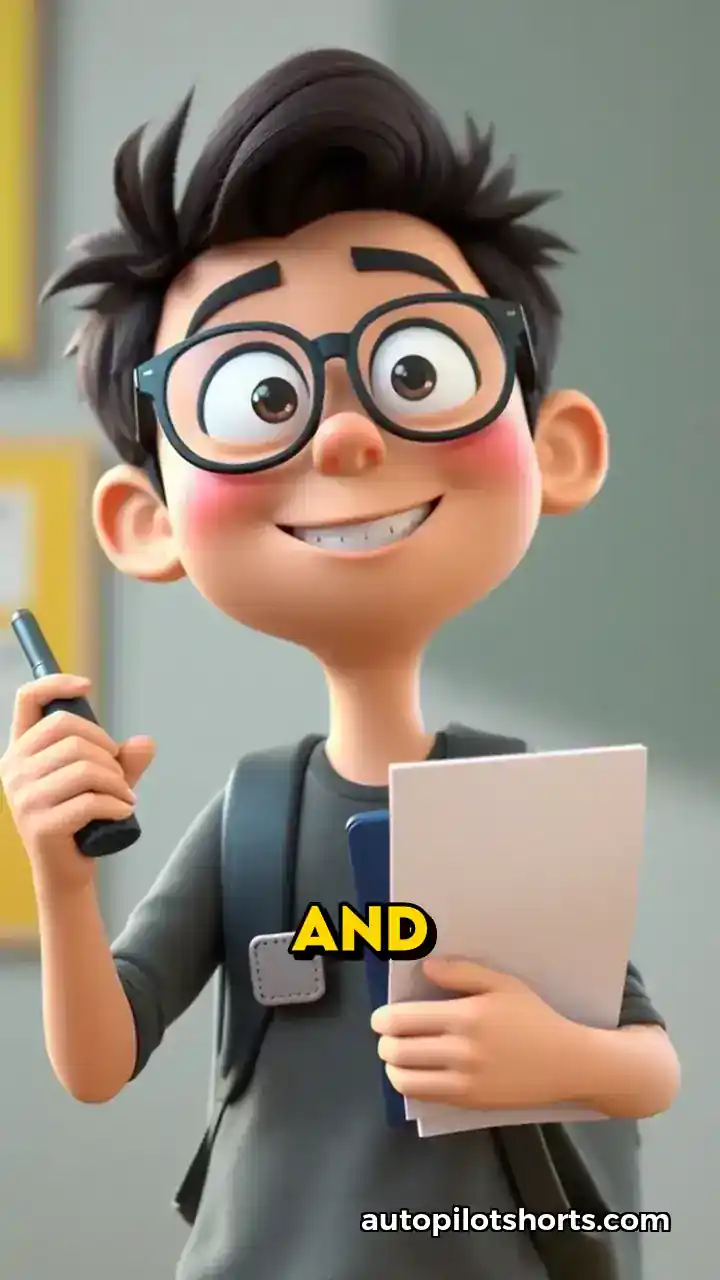
Here's a quick look at how it looks like for 3D Animation style:
11 Built-in Styles
In this update the following visual styles you can apply to your videos:
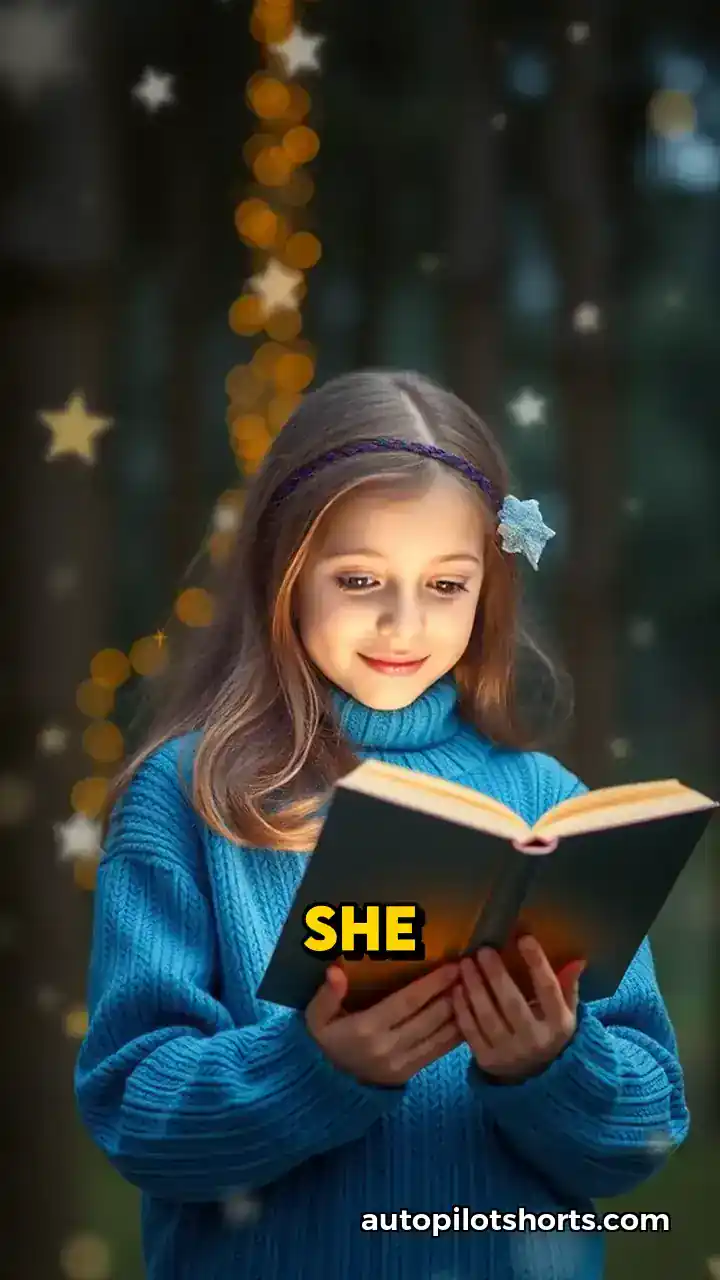
- Photorealistic: For a lifelike look
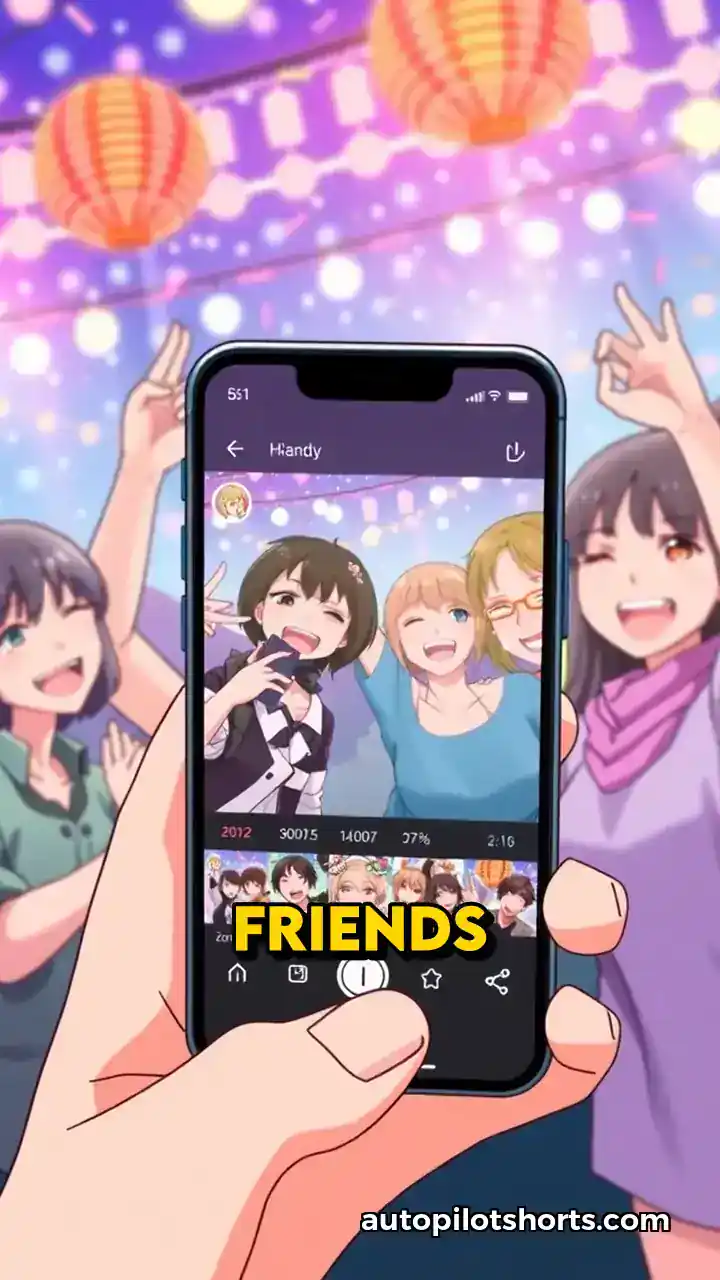
- Anime: Gives a Japanese animation feel
- Oil Painting: Makes your video look like a painting
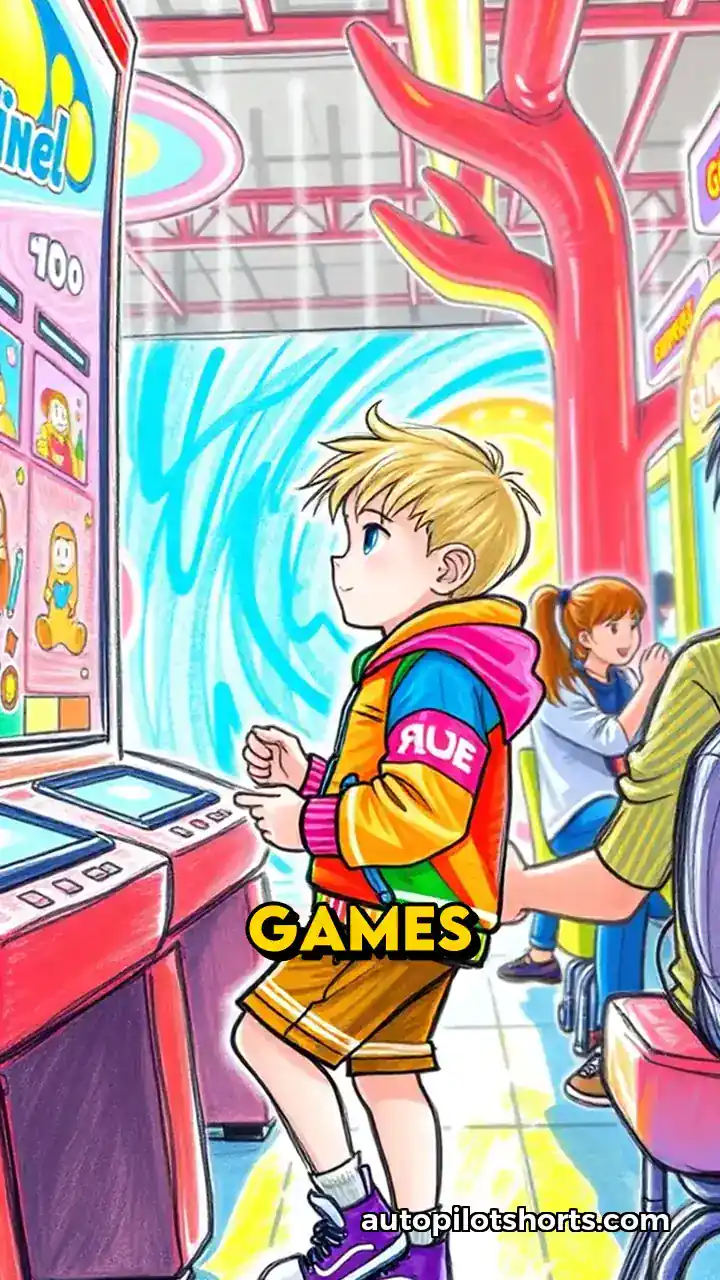
- Colored Sketch: Like a hand-drawn illustration
- B&W Sketch: A black and white pencil drawing look
- 3D Animation:: Similar to computer-animated movies
- Japanese Ink:: Inspired by traditional brush paintings
- Plastic Blocks:: Think of those colorful building bricks
- Comic Book:: Like pages from a superhero comic
- Cyberpunk:: A futuristic, neon-lit style
- Retro Cartoon:: Old-school animation vibes
Let's look at a few examples:
Here's the Anime style:
And here's what the Colored Sketch style looks like:
Why We Made This
A few reasons:
- It's a simple way to change up your video style without much effort
- It can help your videos stand out a bit more
- You might find a style that really fits your brand or message
Here's an example of the Photorealistic style:
And here's how it looks like when you use the Photorealistic style for underwater related videos
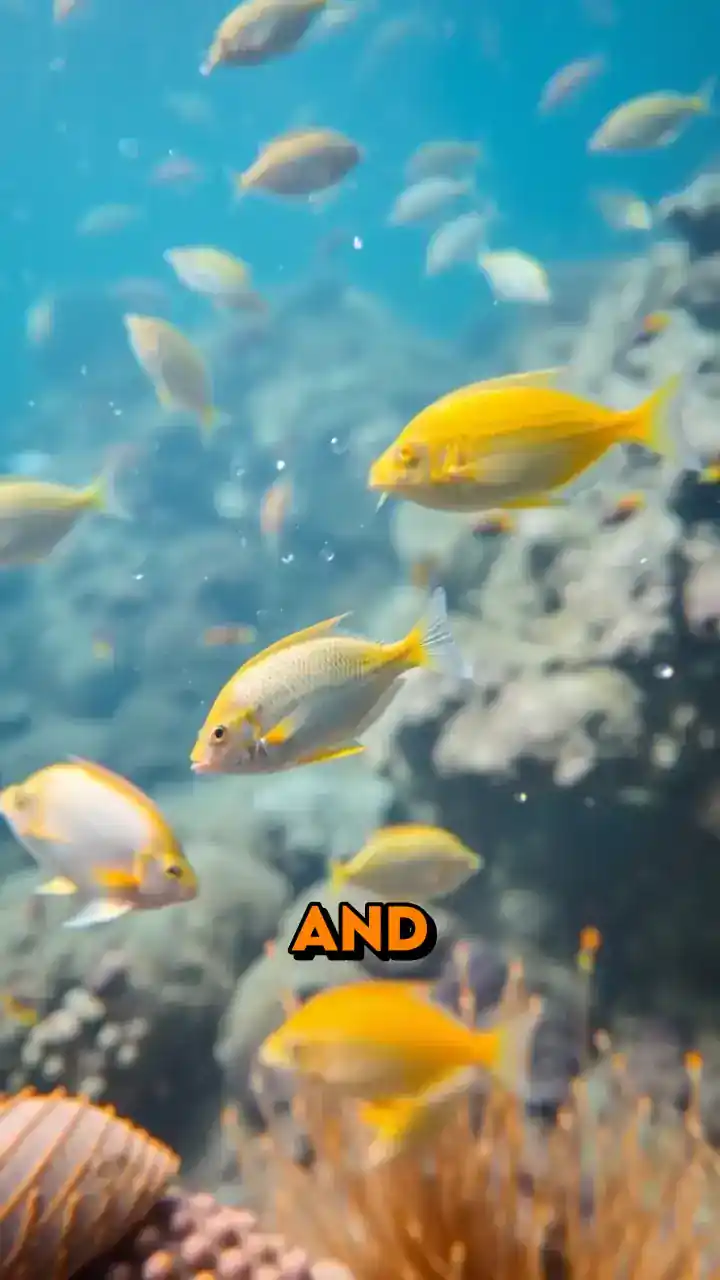
Pretty legit, right?
How to Use It
When you're making a video, you'll see a dropdown menu for Art Styles. Just pick one, and the AI will apply that style to your video. There's also a "Random" option if you want to mix things up.
Availability
If you're on the Starter, Daily, or Elite plan, you can use all the styles. If you're on the free plan, the Random option is still available where it will randomly select one of the styles.
Give it a try next time you make a video. We'd be interested to hear what you think.
P.S. We're always interested to hear new ideas for art styles. If you have any suggestions, please let us know!
Take care, The Autopilot Shorts Team